
Guide · about 4 minutes
The red flags that matter
Eight warning signs worth stopping for, most important first. One on its own proves little, because ordinary mail trips these too. A request plus a sign is a reason to check.
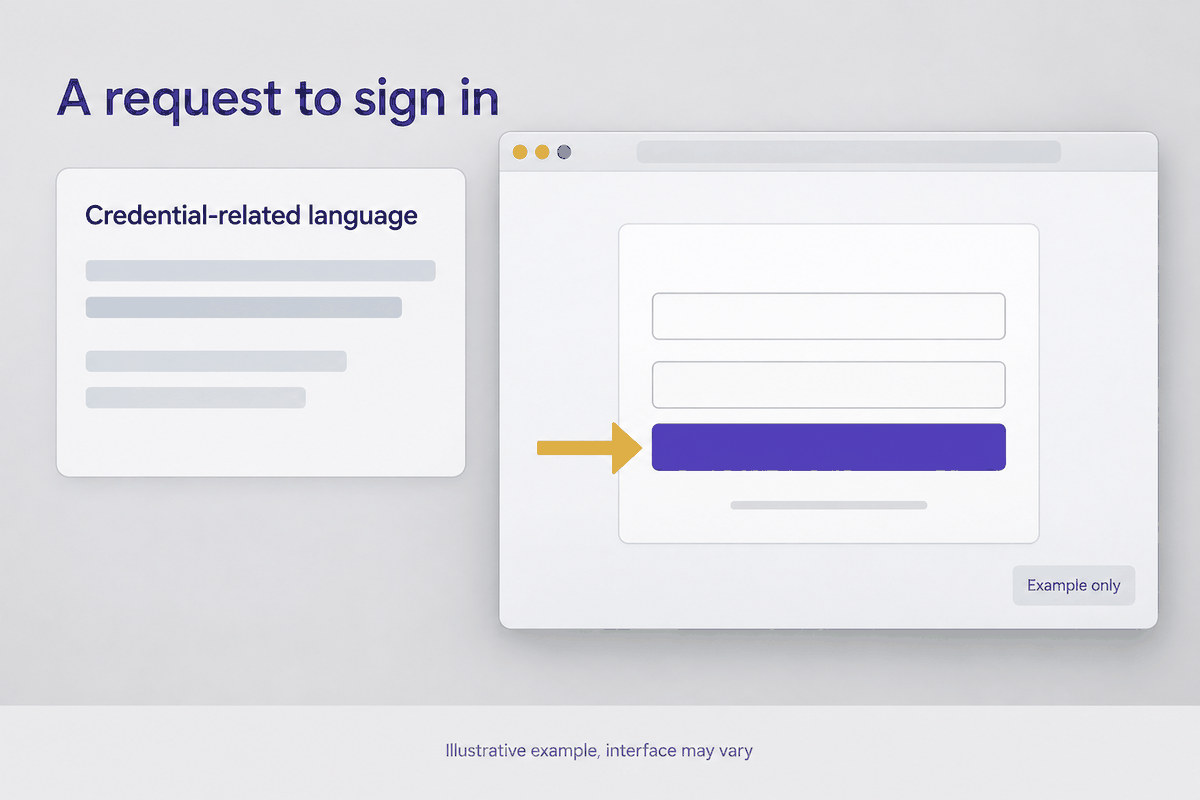
A request to sign in
A link to a sign-in page, a password expiry or a code to enter. Open the service yourself, from your own bookmark or by typing the address, rather than from anything in the email.
New bank details
A supplier, a colleague or a director asking you to pay somewhere new. Ring them on a number you already hold, never one in the email. This is the sign that costs the most when it is missed.
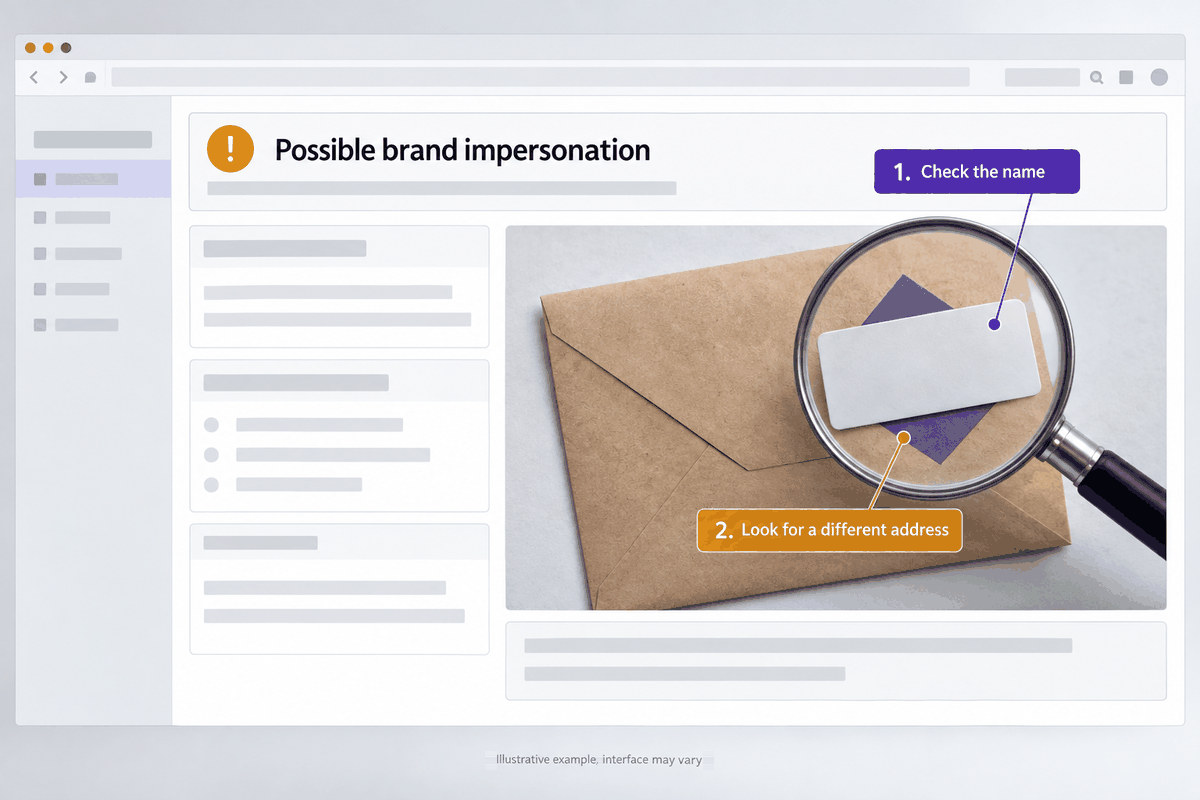
A name on the wrong address
A well-known name in front of an address that belongs to someone else. The display name is free text and anybody can set it, so read the part after the @ and nothing else.
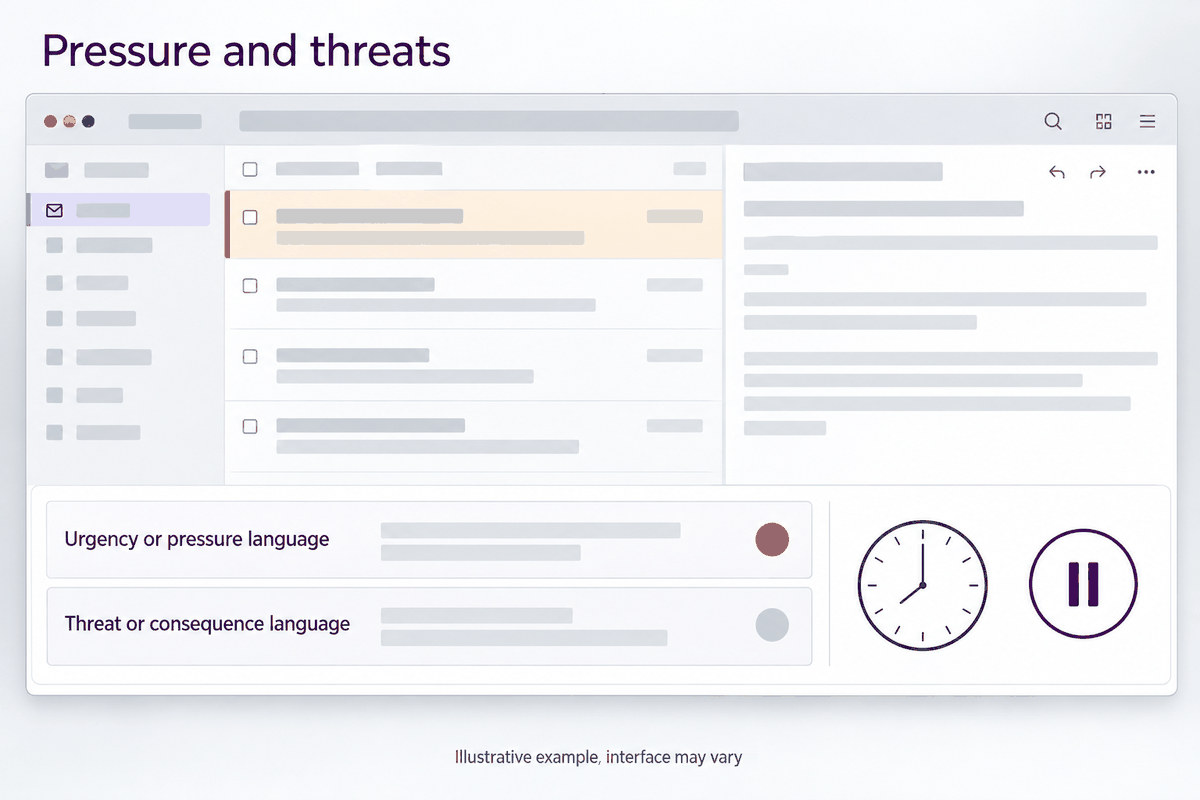
Pressure and threats
A deadline, a suspension or a legal threat, there to hurry you past checking. Urgency is the one tactic every kind of this uses, because a person in a hurry stops reading.
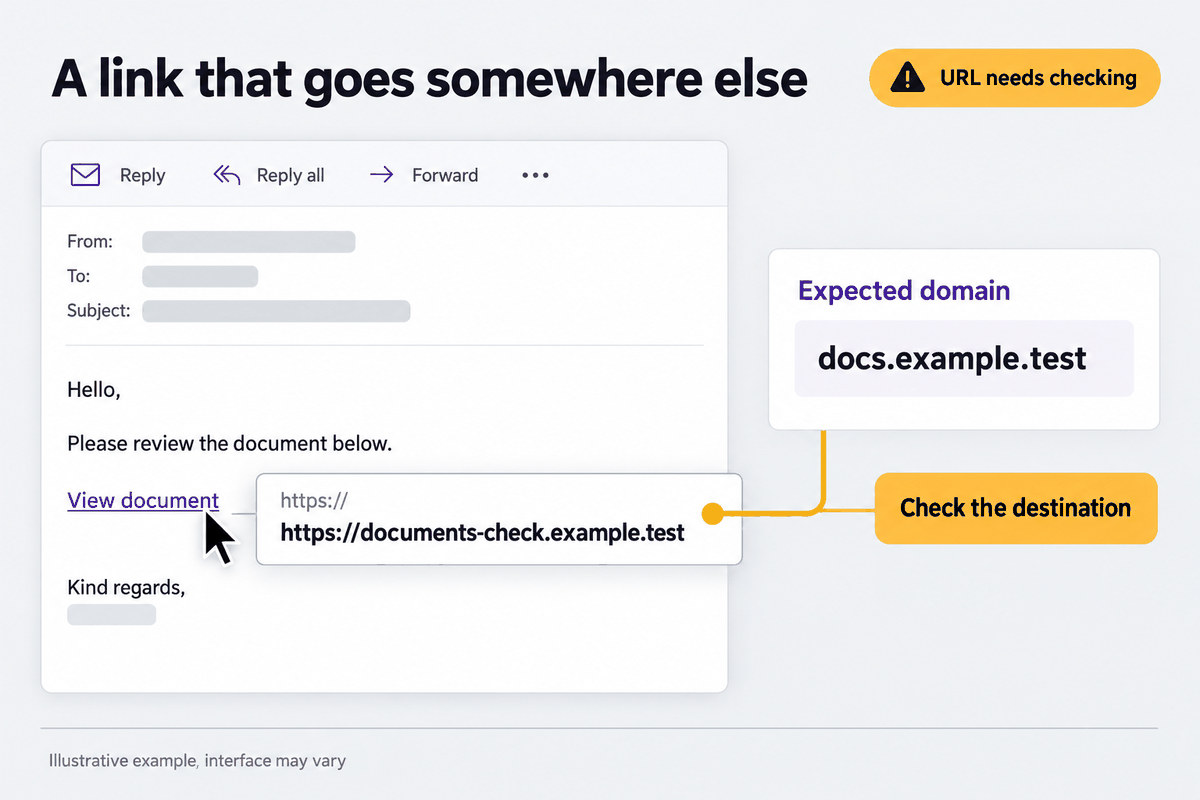
A link that goes somewhere else
Words that say one website and an address that belongs to another. Hover over the link, or press and hold on a phone, and read the address that appears before you decide.
An unexpected file
Web pages, archives with a password in the email, and files whose names end in something unusual. A password in the covering email exists to get the file past the scanner, not to protect you.
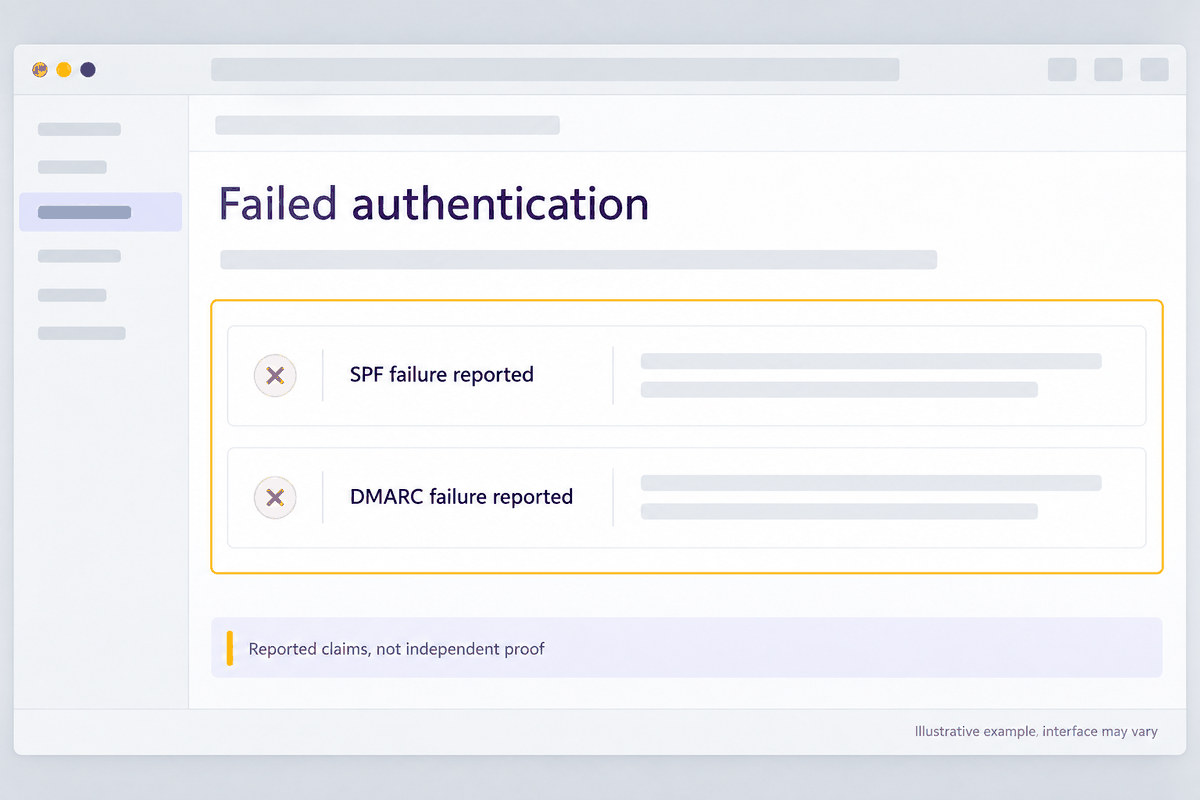
Failed authentication
The sending domain did not authorise the email, which SPF, DKIM and DMARC are what report. Worth weighing rather than proof: plenty of legitimate mail is sent badly.
A code, a QR or a command
A code to type, a QR code to scan or an instruction to paste something into your computer. Nothing genuine asks you to paste a command.