Guide · about 5 minutes
Check a suspicious email
Seven steps, in order. The first two need nothing but a pause, and they are the ones that stop most of it. The rest take about a minute between them.
Stop before you act
Do not click, reply, pay, ring a number in it or scan a code in it yet. Nothing in a suspicious email gets worse for waiting ten minutes, and almost everything gets clearer.
Work out what it wants
Paying, signing in, opening a file or changing bank details all need a check, however genuine the email looks. Write the ask down in your own words: one you cannot summarise is one to be slower about.
Check it in Jatzo
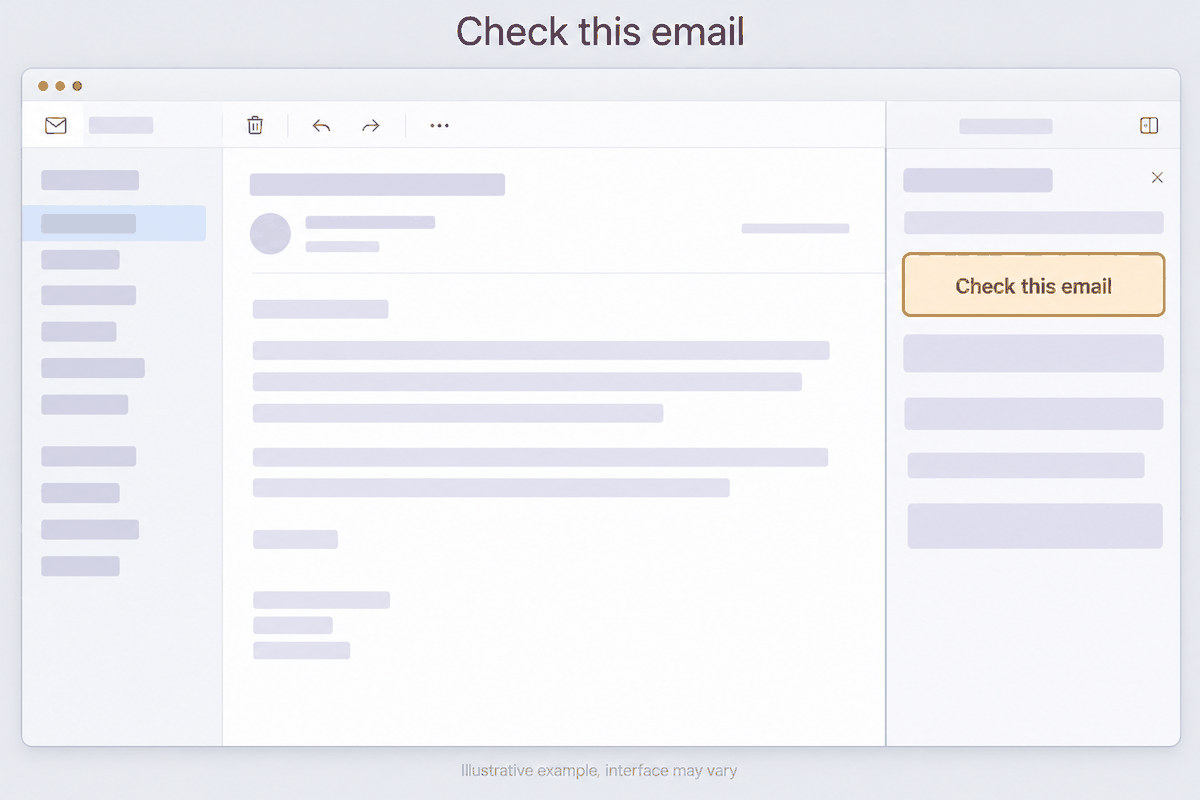
If Jatzo is in your Outlook, select Check this email. Otherwise save the email and upload it to the analyser, which reads the headers a forwarded copy would have lost.
Read the band and summary first
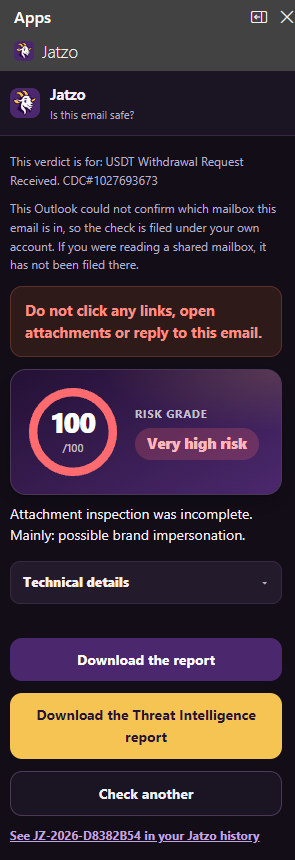
The band tells you how worried to be, from Low risk to Very high risk. The line under it says what the email appears to be asking for, which is often the fastest way to recognise a scam you have met before.
Read the reasons
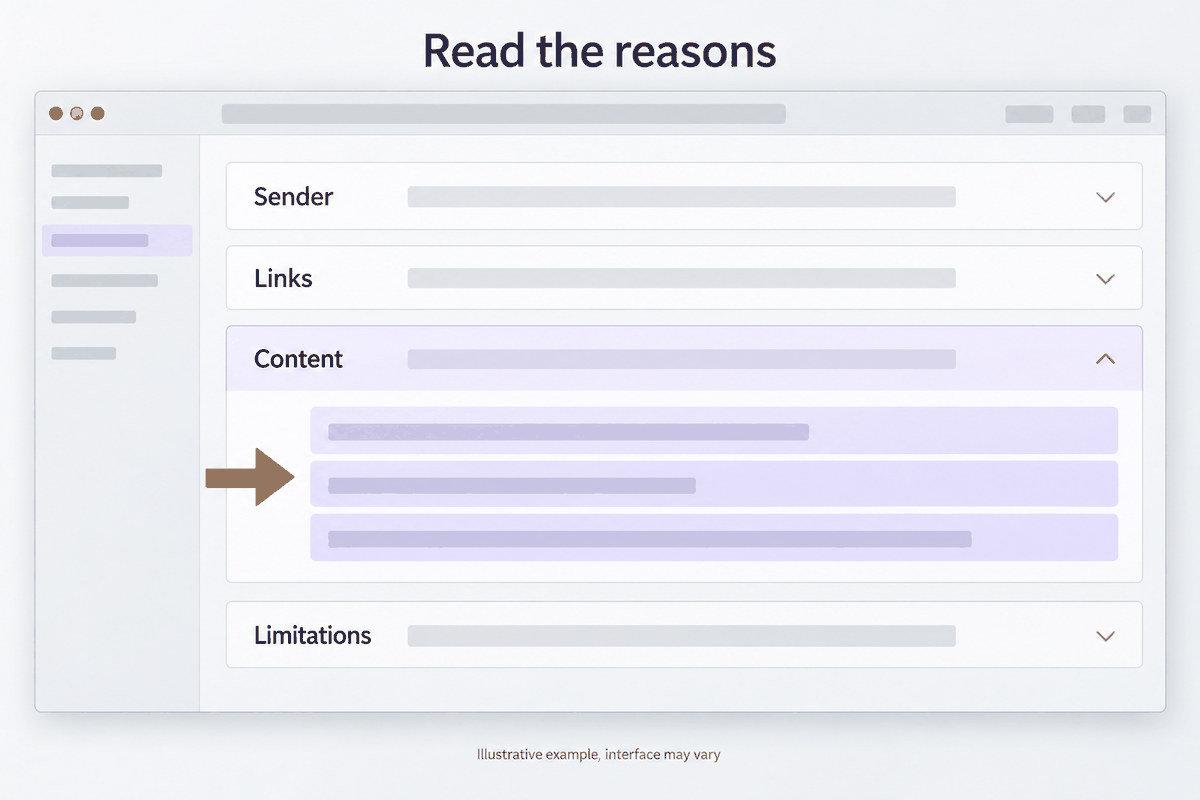
Each finding is one reason, with what Jatzo saw, why it matters and the points it added. Read the top two or three: they carry most of the score, and the rest is detail for whoever asks you to justify it.
Check the request another way
Ring a number already on file, or open the app or website yourself rather than through the email. A low score is never permission: it means nothing was found, not that there is nothing to find.
Report it
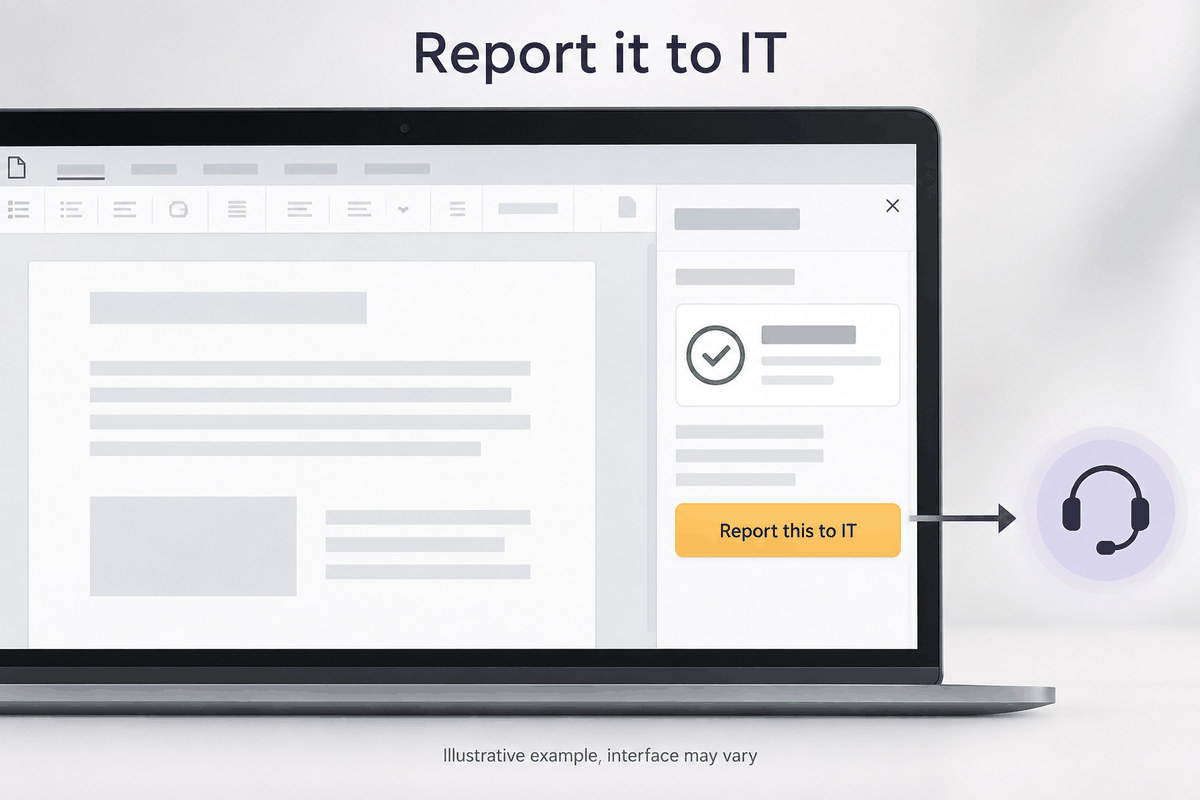
In a team using Jatzo in Outlook, select Report this to IT. Otherwise tell whoever looks after your IT, and say what you did before you realised, which is the part they most need to hear.