Guide · about 3 minutes
Get an email's original source
Jatzo needs the whole email, including the delivery details your email app hides. Find your app below. None of these steps opens a link or an attachment.
First, do not forward it
Save it rather than forwarding it
Forwarding replaces the delivery details Jatzo needs with your own. Save the email as a file instead, using the steps for your app.
Outlook on the web
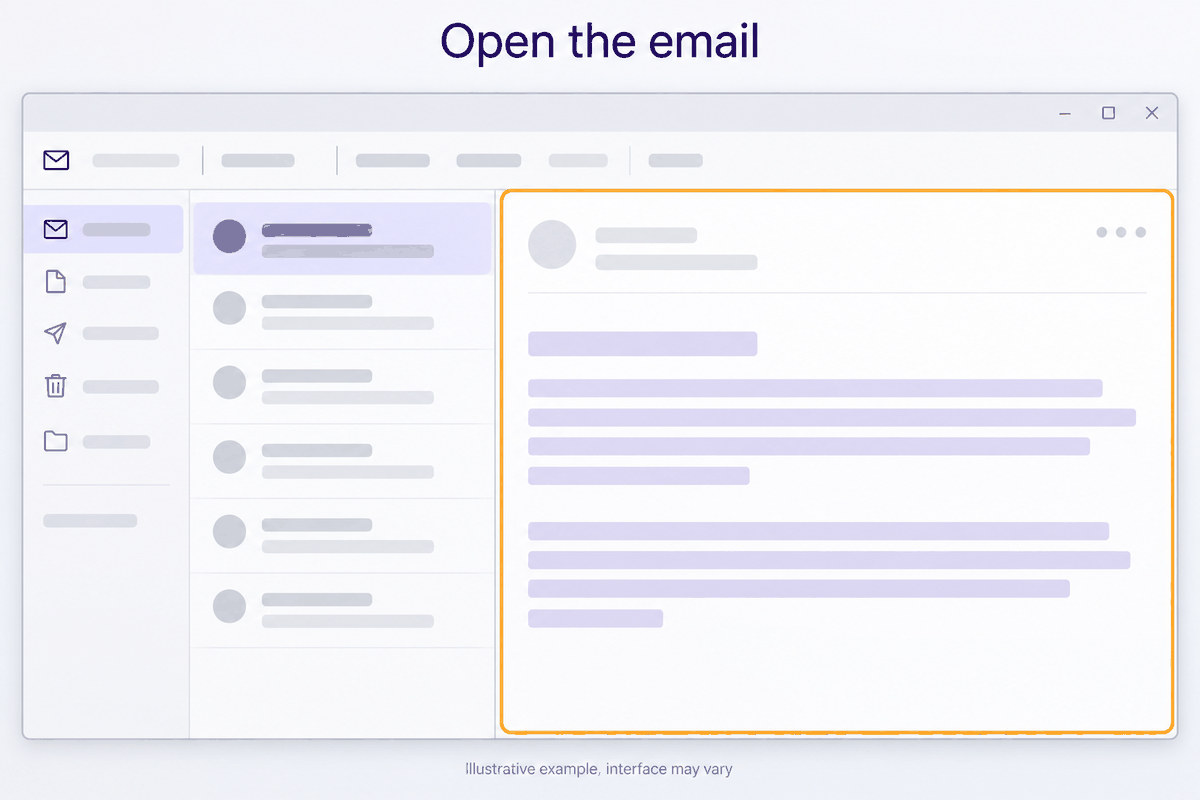
Open the email
Open the message you want to check. Do not click anything inside it.
Open More actions
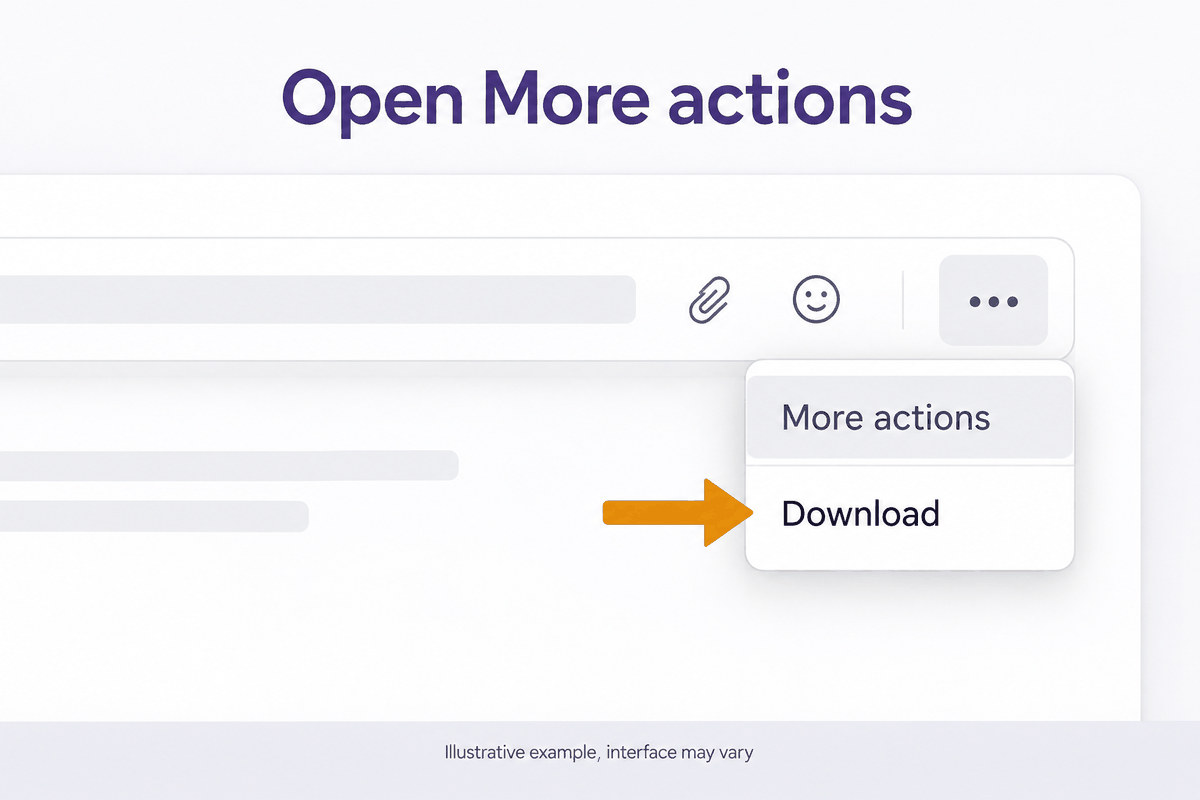
Select the three dots at the top right of the message.
Download it as EML
Choose Download, then Download as EML. The file goes to your Downloads folder.
New Outlook for Windows
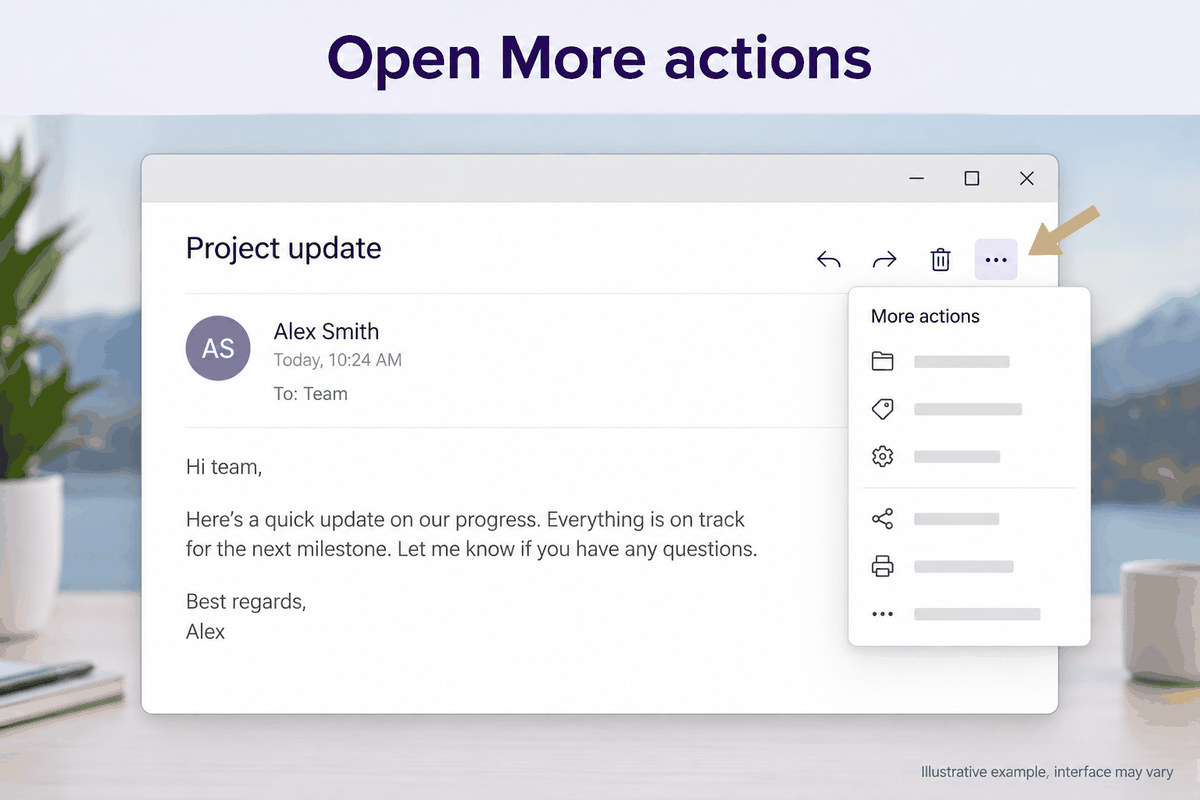
Open More actions
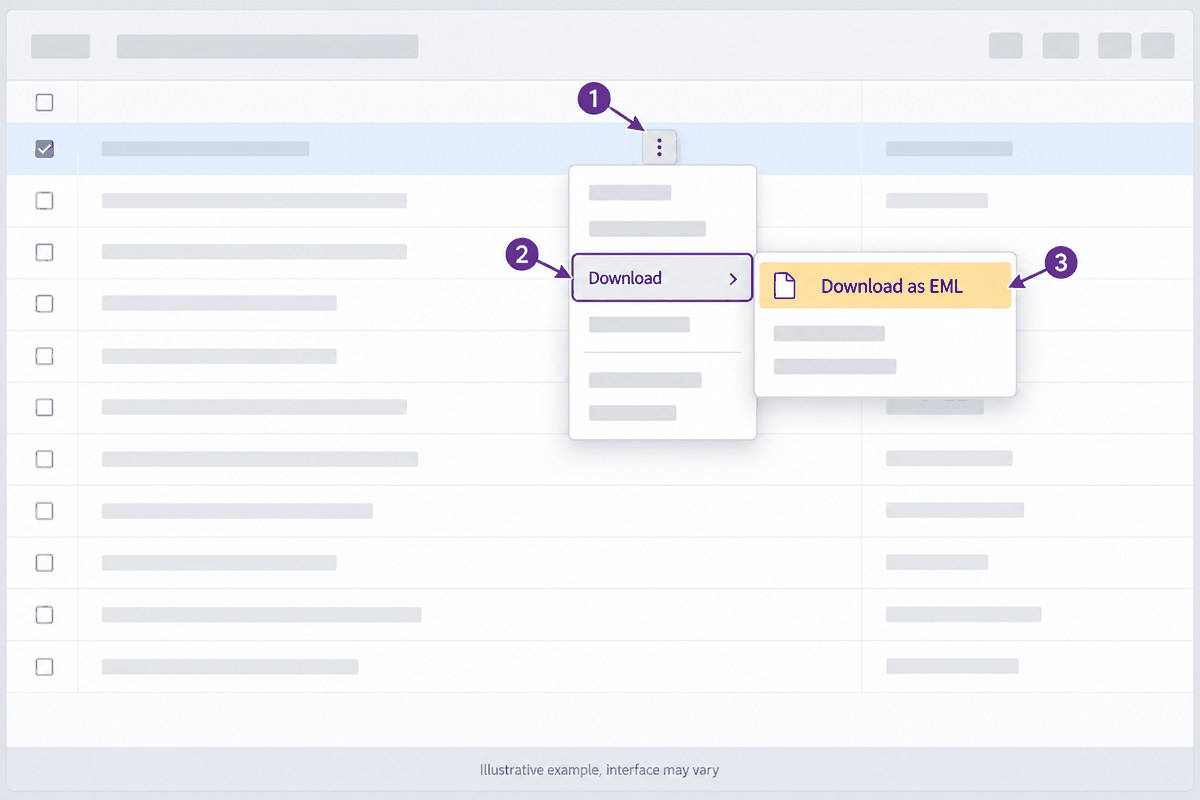
Open the message, then select the three dots at the top right of it.
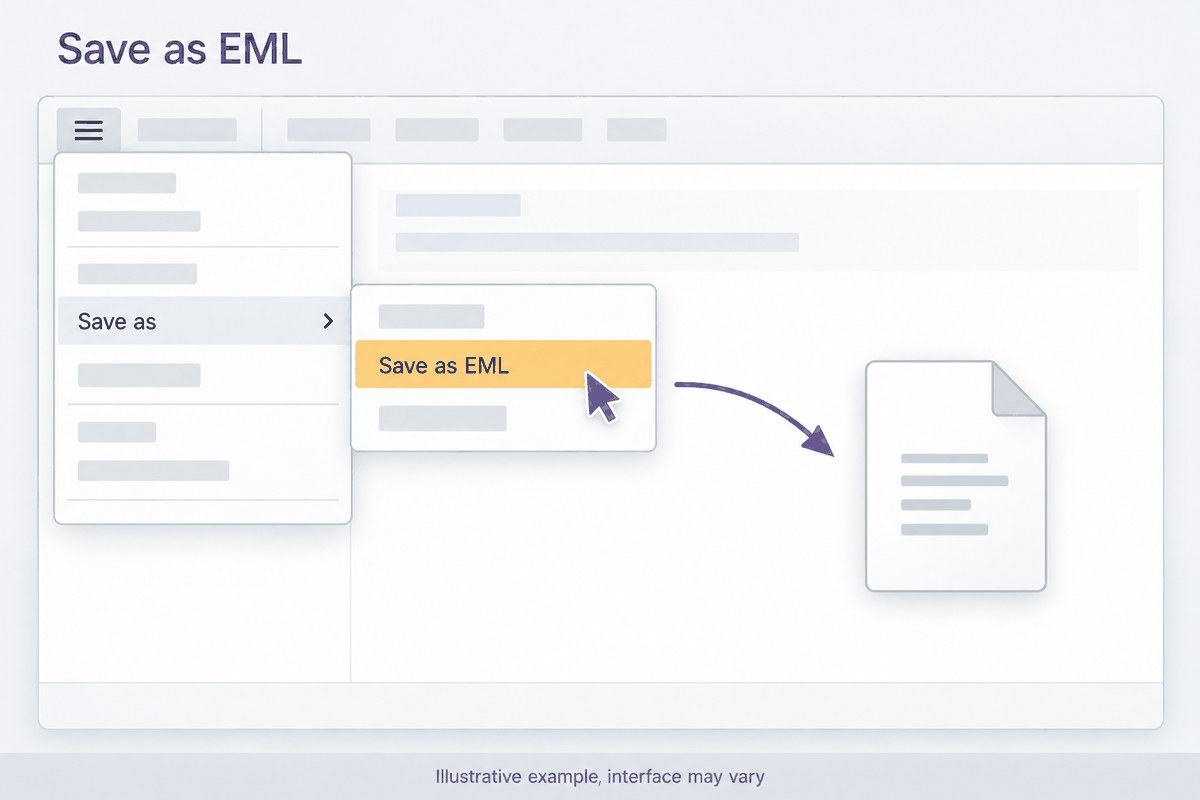
Save it as EML
Choose Save as, then Save as EML, and pick a folder you will find again.
Classic Outlook for Windows
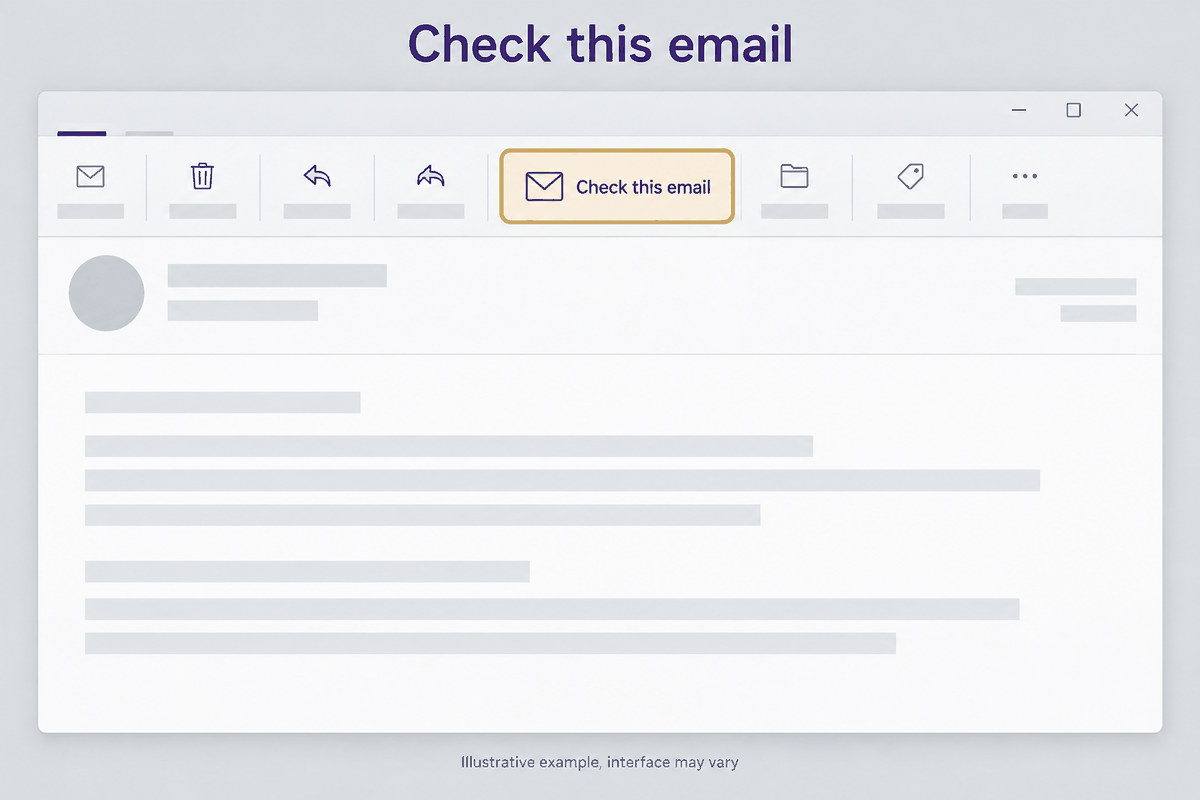
Use the Jatzo button instead
Classic Outlook cannot save an email in the format Jatzo reads. If your firm has the Jatzo add-in, open the email and select Check this email.
Or use Outlook on the web
If your mailbox is Microsoft 365 or Outlook.com, sign in to it in a web browser and follow the Outlook on the web steps above.
Outlook for Mac
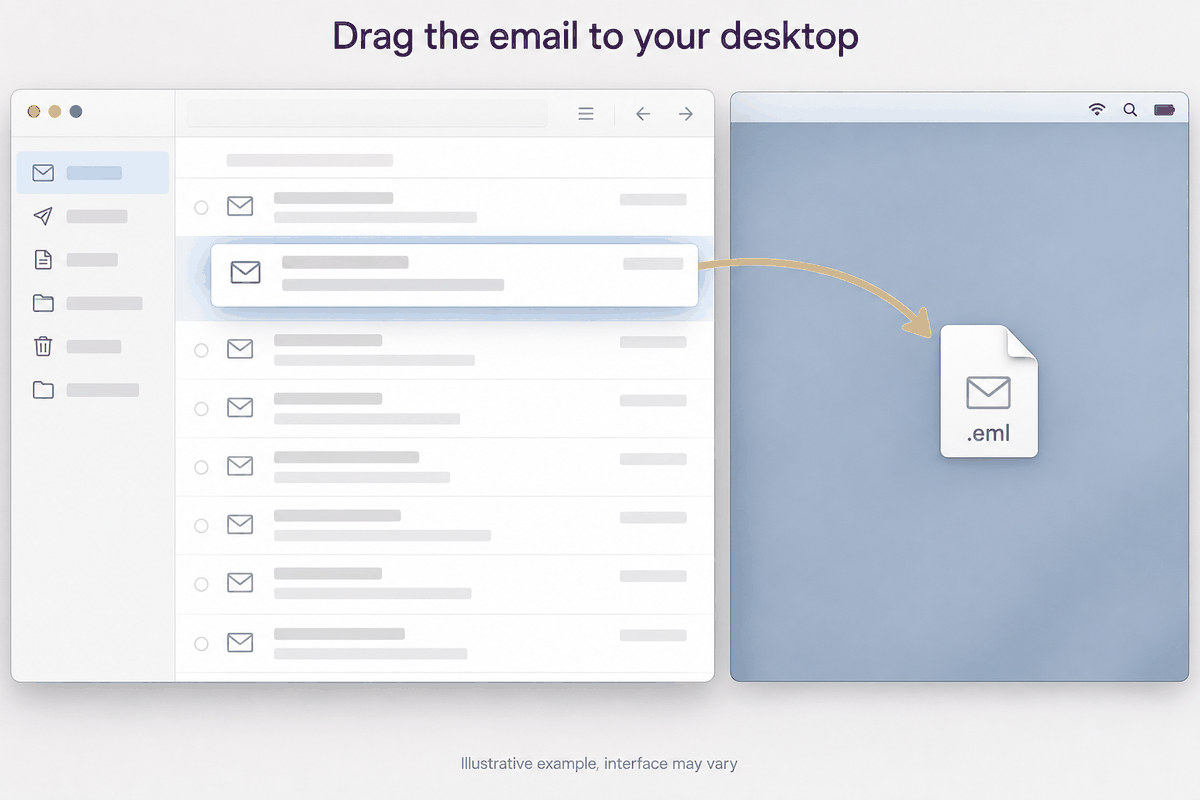
Drag the email to your desktop
Drag the message from your inbox list onto the desktop. Outlook saves it as an .eml file.
Gmail
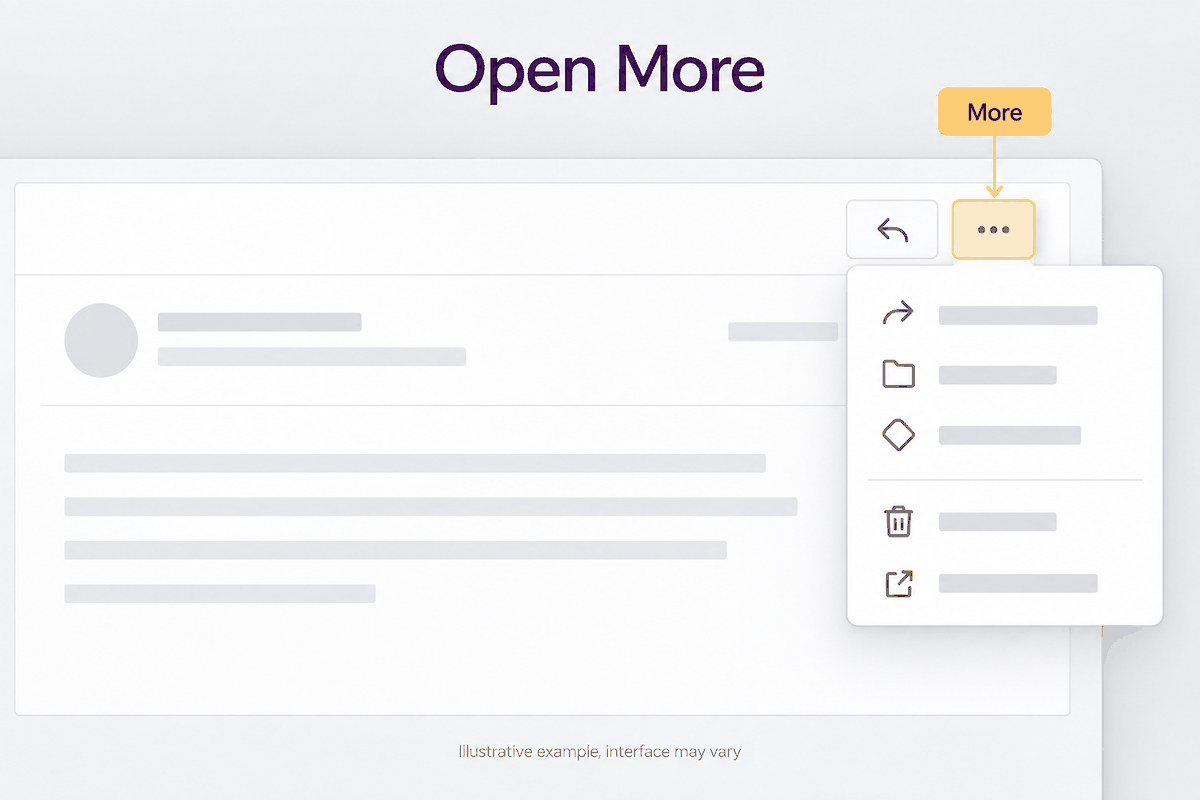
Open More
Open the message, then select the three dots beside the Reply arrow.
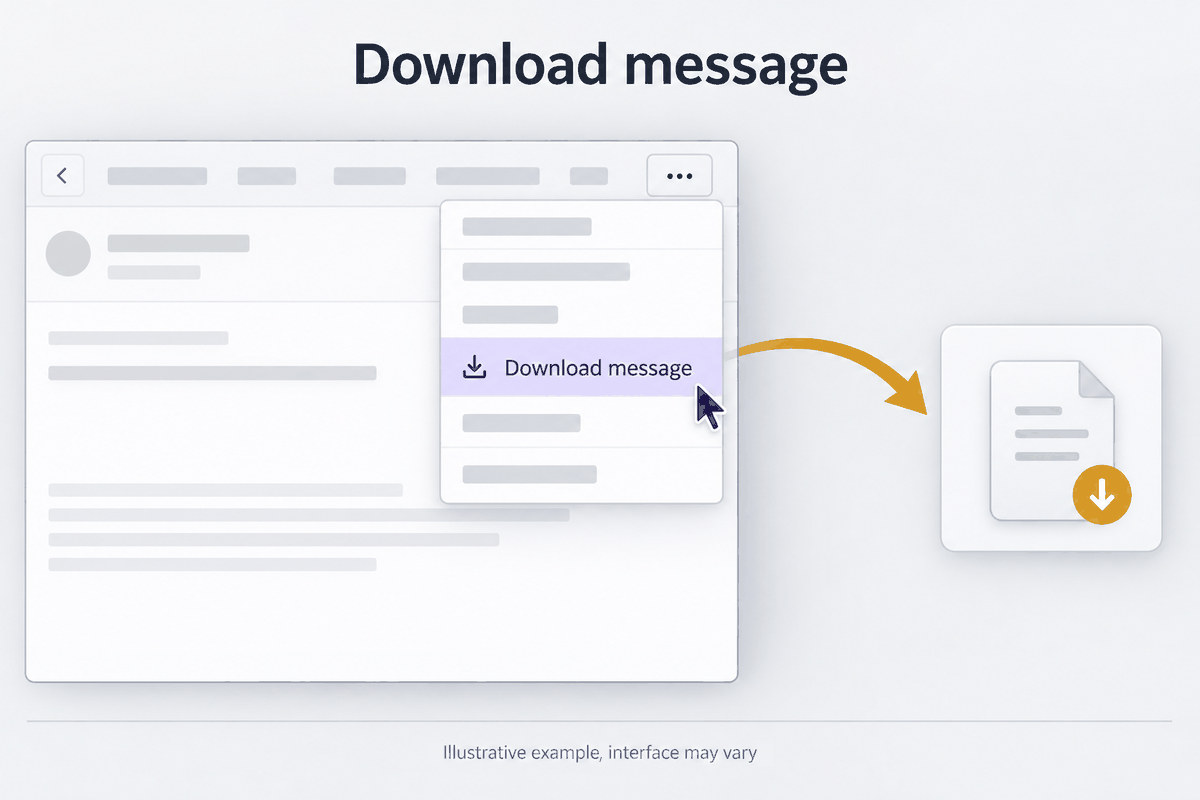
Download the message
Choose Download message. If it is not there, choose Show original, then Download original. Either saves an .eml file.
Or copy the original source
Choose Show original, then Copy to clipboard, and paste it into the Jatzo analyser.
Apple Mail on a Mac
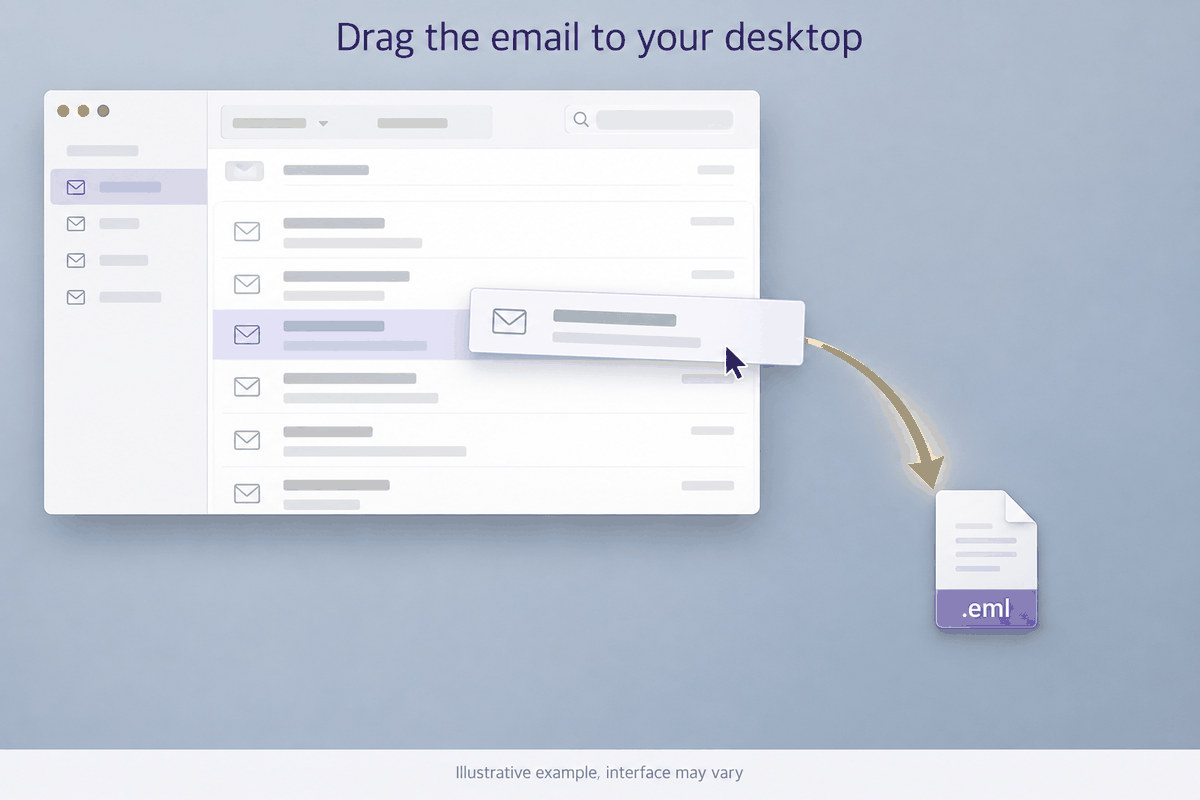
Drag the email to your desktop
Drag the message from the list onto the desktop. Mail saves it as an .eml file.
On a phone
Use a computer or the Jatzo button
Phone email apps cannot save the source. Use a computer, or the Jatzo button in Outlook, which works on a phone with fewer checks.
Then check it in Jatzo
Open the analyser
Sign in to Jatzo and open the Email Threat Analyser.
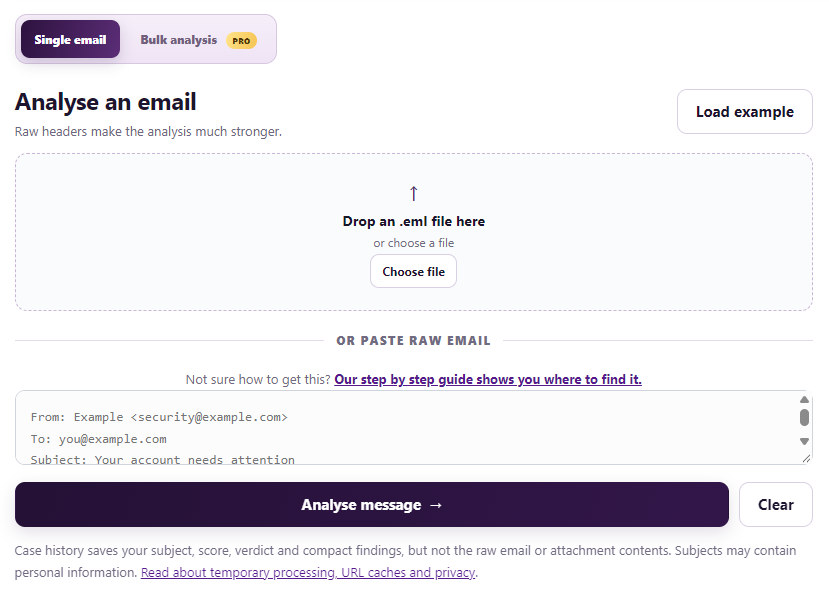
Add the file
Drop the .eml file on the upload box, or select Choose file and pick it.
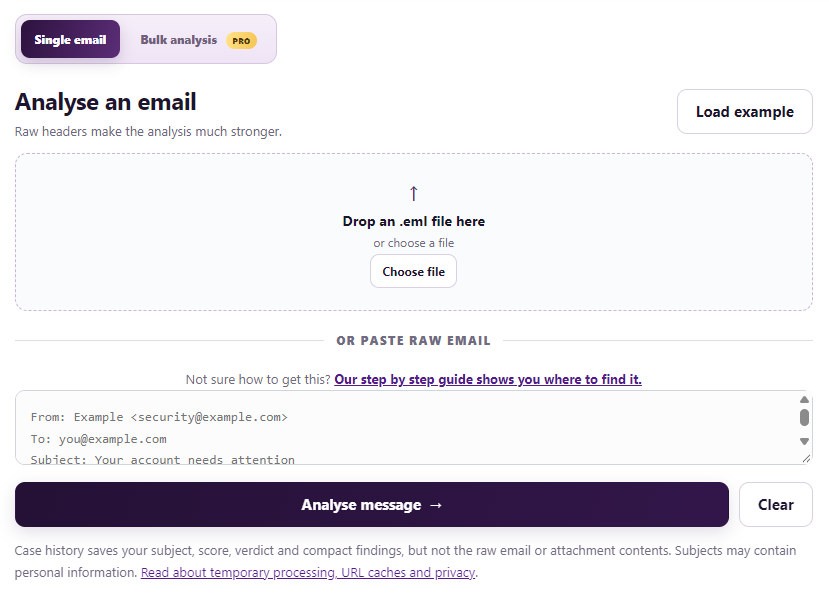
Select Analyse message
Your result appears below in a few seconds.